

There’s a moment most marketing teams recognise.
You’ve got revenue data sitting in the CRM, ad spend scattered across Google, Meta, and LinkedIn, and someone in the Monday morning meeting asks a perfectly reasonable question: “So what actually drove those conversions last quarter?”
You pause. Not because you haven’t thought about it. Because the answer is genuinely complicated when your data lives in six different places and none of them quite agree with each other.
We compiled this list of data integration tools from our discussions with marketers across different brands, mid-market B2B companies, and enterprise accounts with genuinely complex stacks.
We then verified everything against reviews, forums, and case studies, and what came back were consistent patterns.
Let’s get into it. We discuss:
- What is a data integration tool
- What we recommend looking for in data integration tools
- Marketing data integration tools reviewed
Key Takeaways
Data integration tools span a wide range, from pipeline builders and warehouse connectors to marketing-focused reporting layers and attribution platforms.
Connector quality matters far more than connector quantity, verify the specific sources you need before committing.
Closed-loop attribution and data pipeline tools solve fundamentally different problems, most mature stacks need both.
Usage-based pricing models can escalate unpredictably, always stress-test against your actual data volumes before committing.
Workflow automation tools are useful but serve a different purpose to true data integration, worth being clear on the distinction.
No single tool does everything well. The most effective setups tend to combine two or three tools with clearly defined roles.
What is a data integration tool
At its core, a data integration tool connects disparate data sources and moves information between them, automatically, reliably, and ideally without someone manually exporting CSVs.
But that definition covers a lot of ground. Some tools are pure pipeline builders, shuttling raw data from source systems into a warehouse where analysts can work with it.
Others are more marketing-focused, pulling spend and performance data from ad platforms into dashboards or reporting tools.
Some sit in the middle and do a bit of both. The category has also expanded considerably.
What used to mean ETL pipelines and database connectors now includes customer data platforms, reverse ETL tools, workflow automation, and closed-loop attribution systems.
They’re all technically “data integration” in some sense, but they solve meaningfully different problems.
Worth keeping that in mind as you read through what follows. The right tool depends almost entirely on what specific gap you’re trying to close.
What we recommend looking for in data integration tools
Not every team needs the same things. But across the conversations and research that shaped this list, clear patterns and common priorities kept coming up.
- Connector quality over connector quantity. Every vendor leads with a number. 500 connectors. 700 connectors. The figure means very little if the three connectors you actually need are poorly maintained, break on minor API updates, or only sync once a day. Dig into the specific sources you rely on before you commit.
- Realistic implementation time. Some tools are live in an afternoon. Others require weeks of engineering work and a proper onboarding process. Neither is inherently wrong, but mismatched expectations are how you end up with a six-month backlog and a tool nobody’s actually using. Ask vendors for honest timelines from teams similar in size and technical resource to yours.
- Data freshness that matches your actual needs. Real-time sync sounds appealing and often costs significantly more. For weekly reporting, daily refreshes are probably sufficient. Know what you actually need before paying for what sounds impressive.
- Transparent, predictable pricing. Usage-based pricing models can be excellent value or deeply unpredictable, depending entirely on your data volumes. A few of the tools on this list have billing structures that catch teams off guard at scale. We’ve flagged those specifically.
- A clear upgrade path. Your data needs will grow. A tool that works well at your current volume but hits hard limits in 18 months isn’t necessarily the wrong choice, but you should know that going in rather than discovering it mid-contract.
Marketing data integration tools reviewed
Based on marketer conversations, community forums, and verified case studies, here’s our curated list of data integration tools and how they stack up in practice.
Ruler Analytics
We want to be upfront here. Ruler is the tool we’ve built our attribution workflow. But there’s a reason for that.
What we’ve designed it to solve
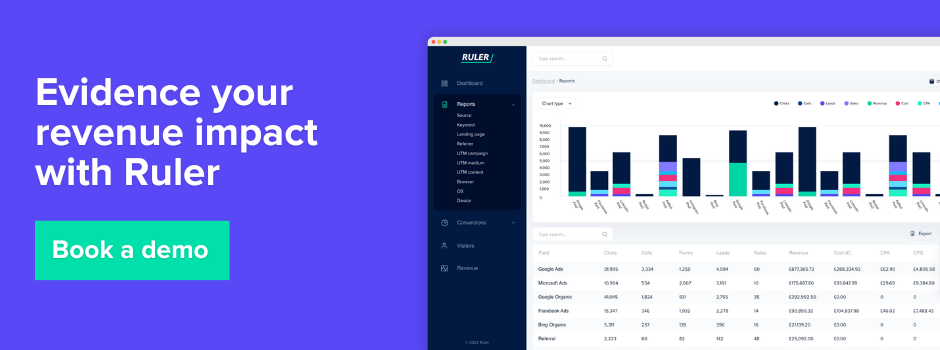
The fundamental problem with most marketing stacks is that your CRM knows who bought, and your ad platforms know who clicked, but nobody’s connecting the dots across the whole journey. Ruler sits in the middle of that mess. It tracks visitors across multiple sessions, stitches together the full customer journey, and then, crucially, passes offline and revenue data back to your ad platforms and analytics tools at the point of conversion.
It’s closed-loop attribution. Which sounds like jargon, but in practice it means your marketing automation, analytics and ad accounts can finally start showing you actual revenue against campaigns, not just leads. That’s a meaningful shift.
Where we see it work best
All business types can benefit from what Ruler has to offer. Specifically, ones with a longer sales cycle where the gap between first click and closed deal can be weeks or months.
If someone clicks a LinkedIn ad, visits your site twice more via organic search, then books a demo, Ruler captures all of that. Your sales team closes the deal, the revenue gets logged in the CRM, and Ruler maps it back to that original LinkedIn touch.
We’ve seen clients reduce wasted ad spend by around 30% within the first few months simply because they stopped funding channels that looked productive on a last-click basis but weren’t actually contributing to revenue.
Consider Ruler if:
- You’re running multi-channel campaigns and can’t figure out what’s genuinely driving pipeline
- Your sales cycle is long and interactions happen online and offline
- You’re frustrated that your CRM and your ad data never seem to agree on anything
- You want revenue data flowing back into Google Analytics and your ad platforms, not just sitting in a dashboard
Pricing
Starts around £199/month for the core attribution package, scaling with call tracking volume and the number of domains. It’s not cheap, and some smaller clients baulk at it. Our view is that if you’re spending more than £3,000 a month on paid media and still can’t attribute revenue accurately, the maths justifies the cost fairly quickly.
💡You can book a demo to explore how it tracks customer journeys, links touchpoints to revenue, captures offline conversions, and provides first-party data to accurately measure and optimise your marketing impact.
Fivetran
Where it shines
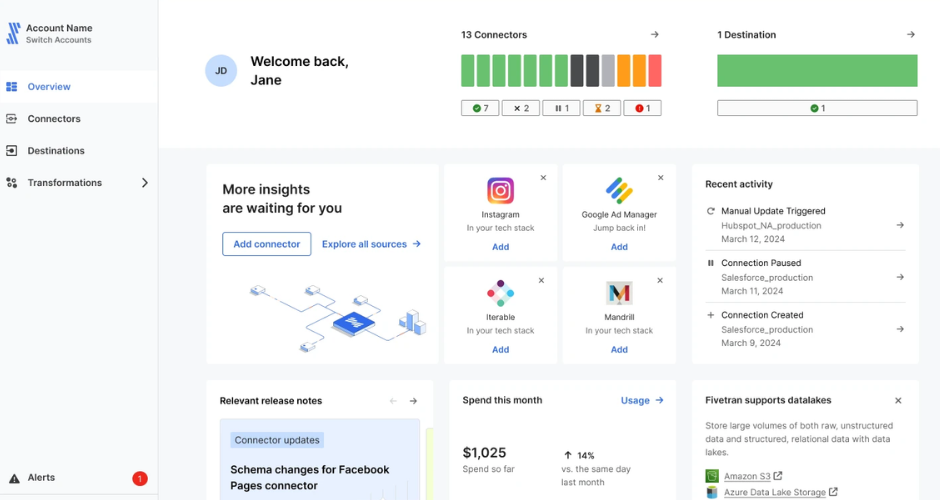
Fivetran does one thing, and it does it without fuss. It moves data from your source systems into your data warehouse. Connectors are pre-built, maintenance is minimal, and the pipeline reliability is genuinely impressive. If you’ve ever managed a custom ETL setup and spent a Friday afternoon debugging a broken API connection, Fivetran will feel like someone just handed you a spare weekend.
It’s particularly strong for engineering teams who want to centralise data in Snowflake, BigQuery, or Redshift without babysitting pipelines. The breadth of connectors, we’re talking 500+ sources, means it almost certainly connects to whatever you’re already using.
Where it falls short
The pricing model. Fivetran charges based on monthly active rows (MARs), which can escalate in ways that feel unpredictable until you’ve lived with it for a billing cycle or two. High-volume tables get expensive fast. Also, if you’re a small team without a proper data warehouse setup, it’s probably overkill. You’re paying for enterprise-grade reliability you might not yet need.
Transformation capabilities are limited within Fivetran itself, you’re expected to handle that downstream with dbt or similar. That’s fine if you have the technical chops, less fine if you were hoping for a more all-in-one solution.
Consider Fivetran if:
- You have a data warehouse and want automated, reliable pipelines into it
- You’ve outgrown manual exports or fragile custom integrations
- You have engineering resource to manage the setup and downstream transformation
Pricing
Usage-based. The free tier covers limited connectors; paid plans start around $500/month and scale considerably from there depending on data volume.
Supermetrics
Where it shines
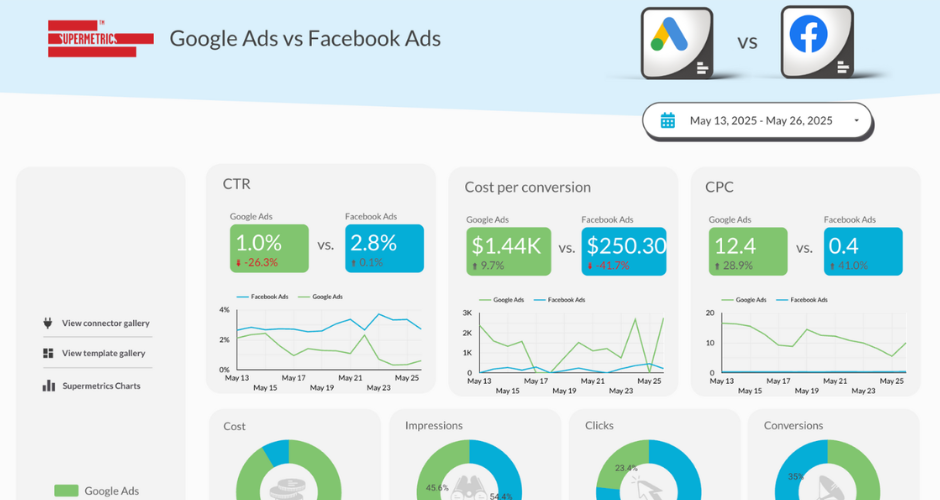
Supermetrics is, for a lot of marketing teams, the first data integration tool they ever touch. It pulls data from ad platforms, social channels, and analytics tools directly into Google Sheets, Looker Studio, or Data Studio. Setup takes about 20 minutes. For someone who just needs Facebook Ads and Google Analytics in one spreadsheet every Monday, it’s brilliant.
The sheer number of connectors is a strength, and the Google Sheets integration in particular is genuinely well-built. Marketers who live in spreadsheets tend to love it.
Where it falls short
Data freshness is a real limitation, most plans only refresh once or twice a day, which is fine for reporting but useless if you need near-real-time visibility. The pricing can also sting once you start adding connectors; each source costs extra, and it adds up surprisingly quickly for mid-size teams.
There’s also the question of data storage. Supermetrics doesn’t store your data; it just queries it fresh each time. That means historical comparisons can get messy if the source platform changes its data structure (which ad platforms do, regularly and without warning).
Consider Supermetrics if:
- You’re a small-to-medium marketing team primarily working in Google Sheets or Looker Studio
- You need a quick, low-maintenance way to consolidate reporting
- You’re not dealing with massive data volumes or complex transformations
Pricing
Plans start around $99/month for a single destination (e.g., Google Sheets), with costs increasing per connector and per destination seat.
Funnel.io
Where it shines
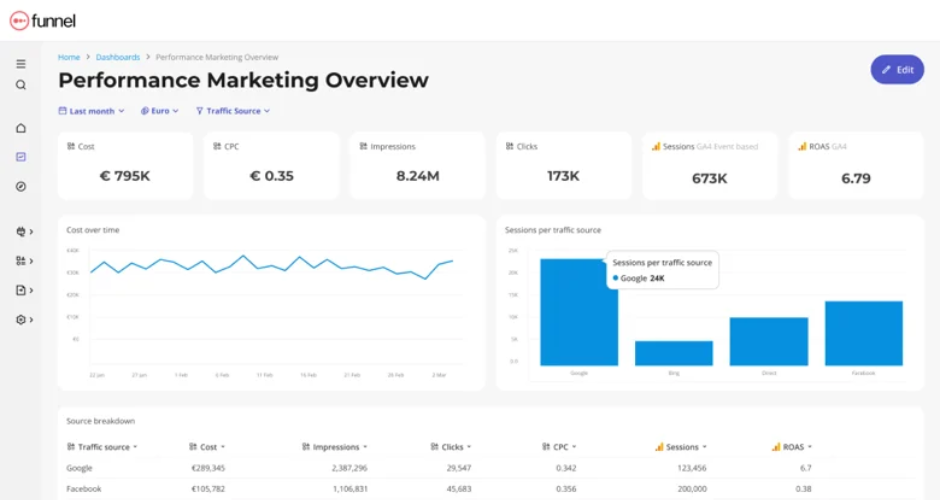
Funnel sits in a more sophisticated tier than Supermetrics. It collects data from marketing sources, lets you transform and model it, and then sends it to your preferred destination, whether that’s a BI tool, a warehouse, or a dashboard. The data transformation layer is noticeably more capable than Supermetrics, and the connectors are often better maintained.
For marketing teams that have grown beyond spreadsheets but don’t have a full data engineering function, Funnel hits a useful middle ground. The UI is clean, the onboarding is reasonable, and the pre-built marketing dashboards are actually good rather than just serviceable.
Where it falls short
Cost is the main sticking point. Funnel is priced for growth-stage and enterprise companies, and smaller teams often find it hard to justify. The free trial is helpful, but once you hit meaningful data volume, costs rise quickly.
It’s also primarily a marketing data tool. If you need to blend it with CRM data, financial data, or operational data, you’ll hit limits fairly quickly. It does what it does well, but the scope is intentionally narrower than a tool like Fivetran.
Consider Funnel if:
- You’re a marketing team spending north of £30k/month on media
- You need more control over data transformation than Supermetrics offers
- You’re feeding data into Looker, Tableau, or a BI tool and need clean, consistent inputs
Pricing
Starts around $400/month and scales significantly with spend and connector volume. Enterprise pricing is custom.
Zapier
Where it shines
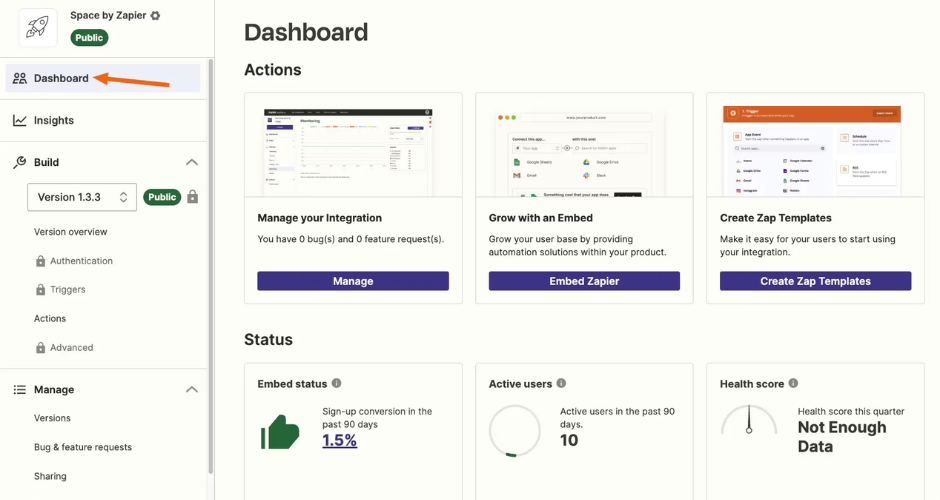
Look, Zapier is everywhere for a reason. The no-code workflow automation is accessible enough that your ops manager can set up integrations without filing an IT ticket, and the breadth of apps connected (7,000+, apparently) is essentially unmatched.
For lightweight, trigger-based automations, send a Slack message when a form is submitted, add a CRM record when someone books a call, it’s hard to beat.
Speed matters here too. You can have a working Zap live in under ten minutes. That’s a real advantage when you just need something done.
Where it falls short
Zapier isn’t really a data integration tool in the way Fivetran or Funnel is. It’s workflow automation. It moves individual records in real time; it doesn’t bulk-sync, transform, or warehouse data.
For high-volume operations, it gets expensive and unreliable. Complex multi-step Zaps have a habit of breaking in subtle ways that aren’t always immediately obvious.
It’s also worth being honest about the error handling. When something goes wrong in a Zap, diagnosing it isn’t always straightforward. We’ve spent more time than we’d like untangling failed Zaps that quietly stopped running.
Consider Zapier if:
- You need simple, event-driven automation between apps
- Technical resource is limited and you need non-developers to manage integrations
- You’re dealing with individual records rather than large datasets
Pricing
Free tier available; paid plans from around $20/month, scaling with task volume. Gets expensive quickly at high volumes.
Make (formerly Integromat)
Where it shines
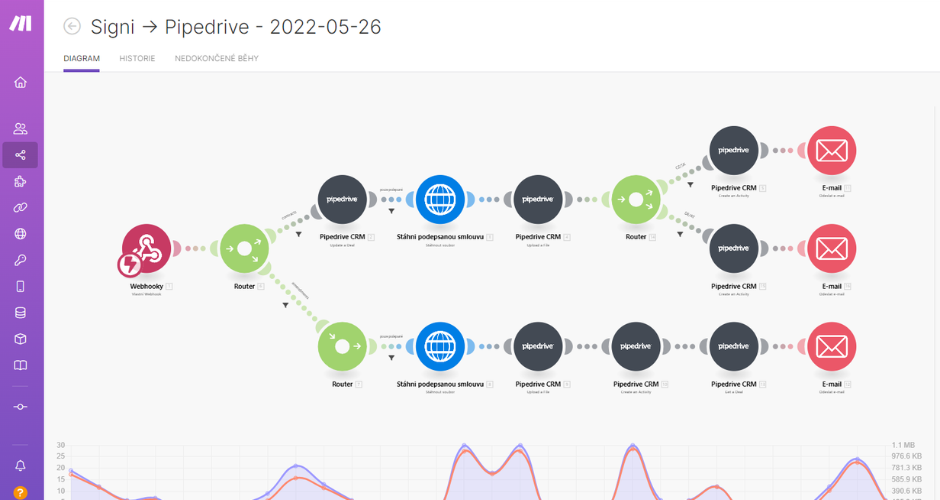
Make is basically Zapier’s more technically inclined cousin. The visual workflow builder is genuinely elegant, you can see your entire automation mapped out as a diagram, which makes debugging significantly easier than Zapier’s linear interface.
It’s more powerful for complex logic: branching, iteration, error handling, data transformation mid-flow. For teams that have hit the ceiling of what Zapier can handle but don’t want to write custom code, Make is often the answer. The pricing is also more generous at higher volumes.
Where it falls short
The learning curve is steeper than Zapier, full stop. Non-technical users who found Zapier manageable often struggle with Make’s interface. The terminology is different, the logic is more explicit, and that’s by design, but it does mean it’s not quite the “anyone can use it” tool Zapier is. Connector quality varies. The core integrations are solid; some of the more obscure ones feel unfinished.
Consider Make if:
- You’ve outgrown Zapier’s logic limitations
- You have someone technical enough to configure more complex scenarios
- You’re running high-volume automations where Zapier’s per-task pricing is killing you
Pricing
Free tier available; paid plans from around $9/month, with significantly better value per operation than Zapier at scale.
Databox
Where it shines
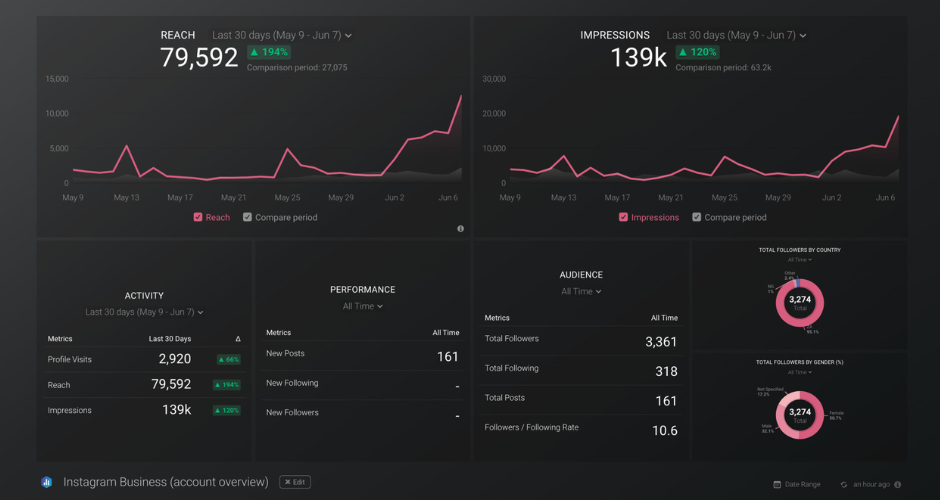
Databox is a business intelligence and dashboard tool with solid data integration built in. The pre-built dashboard templates are genuinely useful, you can have a connected marketing dashboard live in an afternoon without any technical heavy lifting. It pulls from a decent range of sources (Google Analytics, HubSpot, Salesforce, ad platforms) and presents it all clearly.
For smaller teams or agencies that need to report on performance without building something from scratch in Looker or Tableau, Databox is a pragmatic choice. The mobile app is better than most competitors, which matters for founders or executives who want to check metrics on the go.
Where it falls short
The data transformation capabilities are limited. You’re largely working with data as it arrives, without much ability to reshape or blend it. For straightforward reporting that’s fine; for anything more complex, you’ll bump into walls.
Custom metrics and calculated fields exist but are fiddlier than they should be. The pricing also jumps meaningfully as you add more data sources and users, which can make it hard to scale without re-evaluating whether it’s still the right tool.
Consider Databox if:
- You need a reporting dashboard quickly and without technical complexity
- You’re a small team or agency with relatively straightforward reporting needs
- You want something that looks good in client-facing presentations
Pricing
Free tier available (limited sources and dashboards); paid plans from around $47/month, scaling with sources and users.
Whatagraph
Where it shines
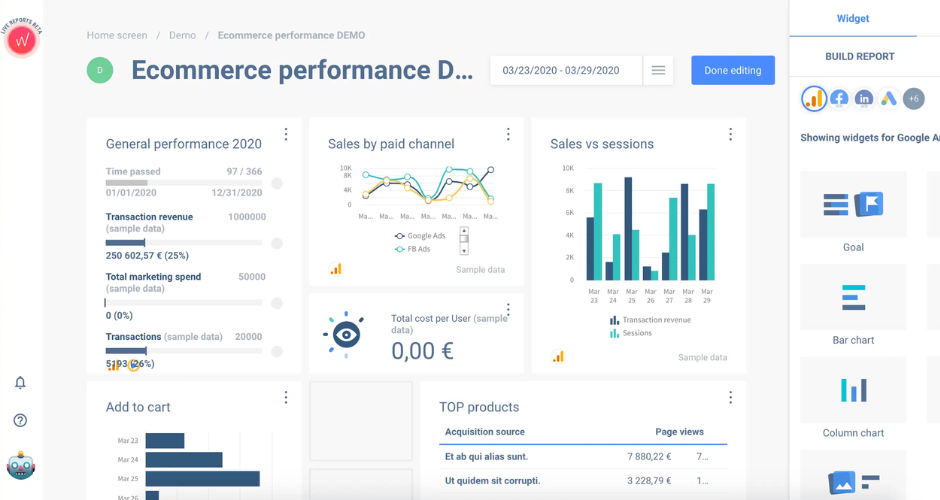
Whatagraph is built specifically for marketing reporting, and it shows. The reports look beautiful. Genuinely. If you’ve ever had to present a campaign performance report to a client and felt slightly embarrassed by how it looked, Whatagraph solves that problem entirely. The white-labelling is strong, the templates are well-designed, and the drag-and-drop report builder is intuitive.
For agencies in particular, the ability to generate automated reports across multiple clients, each branded correctly, scheduled to send on a Friday morning without anyone touching anything, is a real time-saver.
Where it falls short
It’s a reporting tool, not a data integration tool in any deep sense. The data processing is light; you’re connecting sources and visualising them, not transforming or warehousing anything.
The flexibility for bespoke analysis is limited compared to a proper BI tool. We’d also say the pricing is a bit steep relative to what you’re getting if you’re comparing it purely on data functionality. You’re really paying for the design quality and automation, which is a legitimate trade-off but one worth being clear about.
Consider Whatagraph if:
- You’re an agency producing regular client reports and want them to look polished
- You need automated, scheduled reporting without manual effort
- Aesthetics and ease of client communication genuinely matter to your workflow
Pricing
Starts around $223/month for the agency plan. Not cheap for what it is, but the time saved on manual reporting can justify it fairly quickly for busy agencies.
Improvado
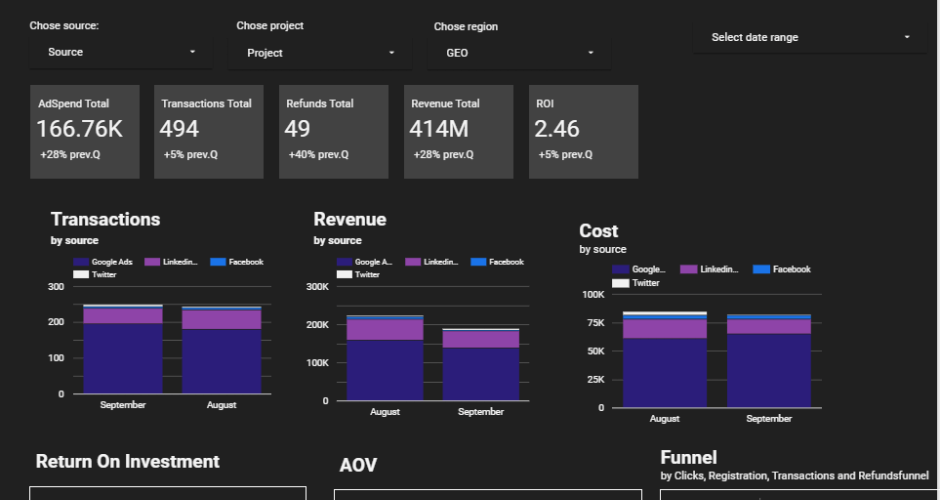
Where it shines
Improvado positions itself as an enterprise marketing analytics platform, and it earns that label. It’s built for large organisations with complex multi-channel setups and significant data volumes. The number of marketing connectors is extensive, the data transformation layer is serious, and the platform is clearly designed by people who understand what large marketing teams actually need.
If you’re running paid media at scale across dozens of markets, managing multiple agency relationships, and trying to get a coherent picture across all of it, Improvado is genuinely capable of handling that complexity.
Where it falls short
The cost is significant and the implementation timeline is real. This isn’t a “set it up this afternoon” tool. Onboarding properly takes weeks, and you’ll need internal resource or a partner to get it right. For anyone outside the enterprise tier, it’s almost certainly disproportionate.
The UX is functional rather than delightful, which matters less at enterprise level but is worth noting.
Consider Improvado if:
- You’re an enterprise business or large agency with substantial media spend
- You have dedicated data or analytics resource internally
- You’ve outgrown tools like Supermetrics or Funnel and need something more robust
Pricing
Custom only. Expect to budget meaningfully, this is enterprise software priced accordingly.
Final thoughts on data integration tools
There’s no single data integration tool that does everything. The honest answer is that most mature marketing stacks end up combining two or three of these tools, perhaps Ruler for closed-loop attribution, Fivetran for centralising warehouse data, and Whatagraph for client-facing reporting.
The question worth sitting with before you buy anything: where is the actual gap in your current setup? Is it attribution? Is it reporting? Is it pipeline reliability?
The tool that solves the actual problem is worth ten times the tool that sounds impressive in a demo.
Know your data sources. Know what decisions you’re trying to make. Pick tools that serve those decisions rather than tools that look good in a pitch deck.
If you’re ready to integrate your data, book a demo of Ruler. We’ll show you how it tracks full customer journeys, connects with your other tools, attributes revenue to touchpoints, captures offline conversions, and provides the data you need to measure and optimise effectively.